Use Your Cardexah Card. Pay The Apple Way
Apple Pay Is An Easy, Secure And Private Way To Use Your Cardexah Card On All Your Apple Devices
.png&w=3840&q=75)
Quick Setup. Easy Payments. On Any Apple Device
Apple Pay makes it easy to pay with your Cardexah card on your iPhone, Apple Watch, Mac, iPad, and Apple Vision Pro
Apple Pay. Made To Be Secure
Apple Pay uses security features built into your Apple device, including Face ID and Touch ID – so only you can authorize payments with your Cardexah card.
It's Ready And Set. Just Go
Tap your iPhone or Apple Watch in person or tap the Pay button online or in apps to check out with your Cardexah card. It's that simple.
Add Your Cardexah Cards To Apple Pay. With Just A Tap
Simply open Apple Wallet and tap the “+” button. Select “Debit or Credit Card” and hold your iPhone near your physical Cardexah card. Then follow the steps on your screen to finish adding your card
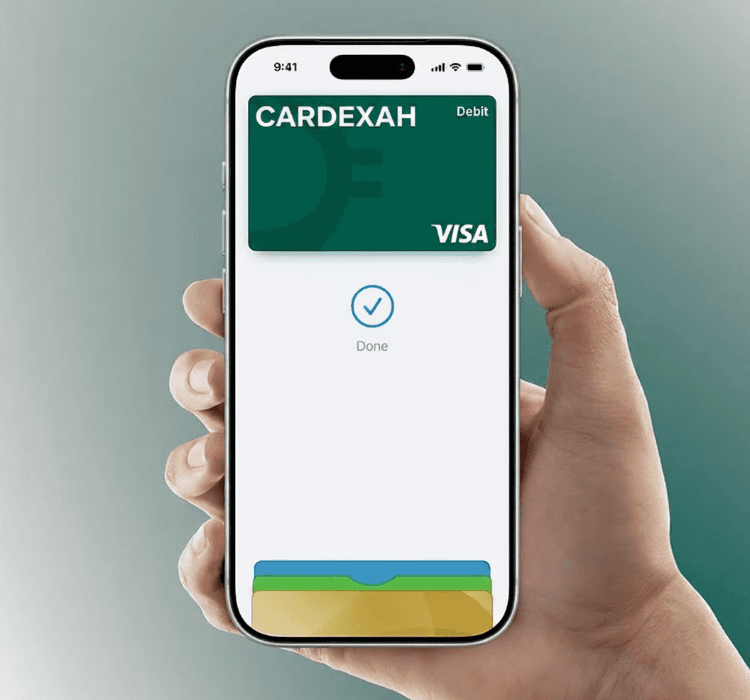
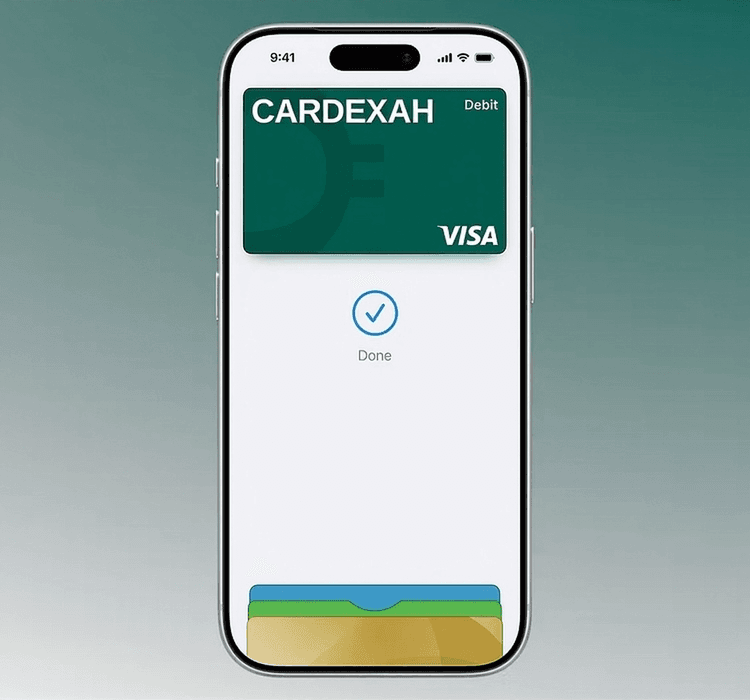
Pay In A Few Simple Steps
To pay in store, double-click the side button from your locked iPhone screen or while using any app. Then authenticate with Face ID, Touch ID or your passcode, and hold your device near the reader. Done
Pay On Millions Of Websites And Apps
You Can Easily Pay With Your Cardexah Card Using Apple Pay Anywhere You See Pay Or The Contactless Payment Symbol At Checkout. Apple Pay Is Accepted By Millions Of Merchants Around The World And Works Wherever Contactless Payments Are Accepted.
Frequently Asked
Questions
Frequently Asked
Questions
Apple Pay is a secure and easy-to-use mobile payment service that can be used to pay in stores wherever Contactless payments are accepted; just look for the Contactless or Apple Pay symbol.
It enables the use of eligible cards through compatible Apple devices by leveraging existing Near Field Communication (NFC) technology to make mobile payments.
You can also use it to make in-app and E-commerce purchases wherever the Apple Pay logo is displayed.